


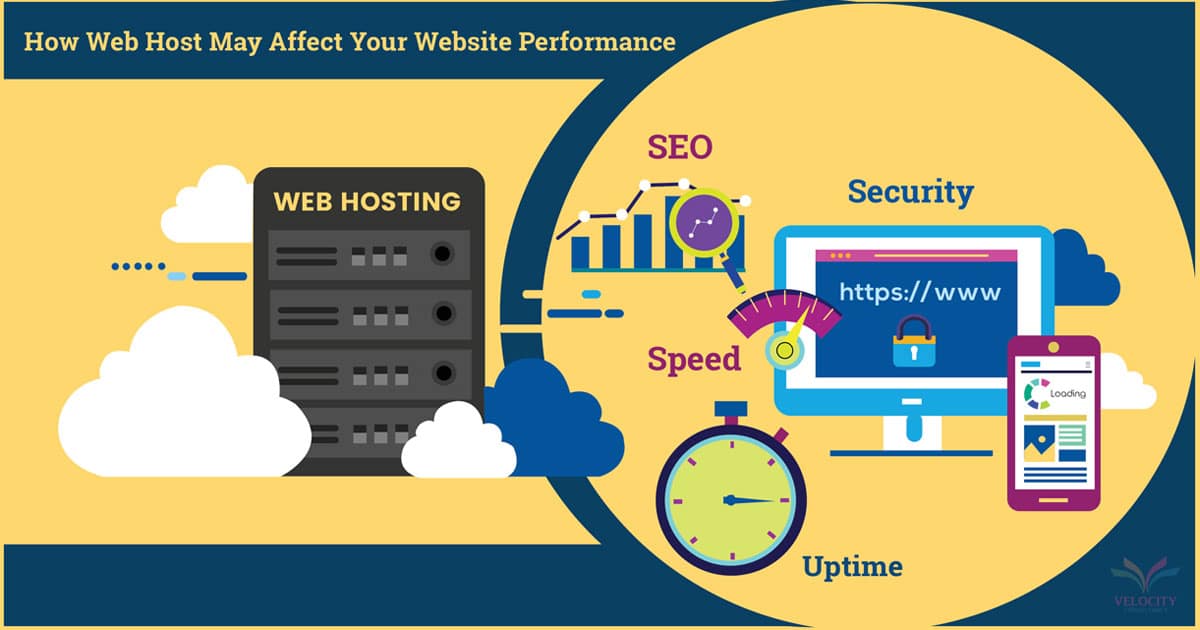
How to Optimize Your Web Hosting for Faster Website Performance
In today’s fast-paced digital world, website speed is crucial for user satisfaction and search engine rankings. A slow-loading website can lead to higher bounce rates, lower engagement, and missed opportunities. Optimizing your web hosting is a key step in ensuring your website performs at its best. In this article, we’ll explore effective strategies to enhance your web hosting for faster website performance, helping you deliver a seamless experience to your visitors.
1. Choose the Right Web Hosting Plan
The first step in optimizing your website’s performance is selecting the appropriate web hosting plan. Different hosting types offer varying levels of speed and resources:
- Shared Hosting: While cost-effective, shared hosting can be slow if multiple websites share the same server resources. It’s best suited for small websites with modest traffic.
- VPS Hosting: Virtual Private Servers offer more resources and greater control compared to shared hosting. They are ideal for websites with moderate to high traffic.
- Dedicated Hosting: With a dedicated server, you have complete control over the server’s resources, which can significantly enhance performance, especially for high-traffic sites.
- Cloud Hosting: Cloud hosting provides scalability and flexibility, allowing you to adjust resources based on traffic demands. It’s an excellent choice for growing websites.
2. Utilize Content Delivery Networks (CDNs)
A Content Delivery Network (CDN) distributes your website’s content across multiple servers located around the world. This reduces latency and speeds up load times by serving content from the server closest to the user’s location.
- Benefits: CDNs can improve website speed, reduce server load, and enhance user experience, especially for global audiences.
- Implementation: Many web hosting providers offer integrated CDN services, or you can use third-party CDNs like Cloudflare or Akamai.
3. Optimize Your Website’s Files and Images
Large files and unoptimized images can significantly slow down your website. By optimizing these elements, you can improve loading times and overall performance.
- Image Optimization: Use image formats like JPEG, PNG, or WebP and compress images to reduce their file size without compromising quality. Tools like TinyPNG or ImageOptim can help with this process.
- Minify Files: Minify CSS, JavaScript, and HTML files to remove unnecessary characters and reduce file sizes. This can be done using tools like UglifyJS or CSSNano.
- Enable Gzip Compression: Gzip compression reduces the size of files sent from the server to the browser, speeding up load times. Most web servers support Gzip compression, and it can often be enabled through your hosting control panel.
4. Leverage Caching Solutions
Caching stores copies of your website’s files in temporary storage to reduce the load on your server and speed up page delivery. Implementing effective caching solutions can significantly boost your website’s performance.
- Browser Caching: Configure your website to store certain elements in users’ browsers so they don’t have to be reloaded with each visit. This can be set up through your .htaccess file or hosting control panel.
- Server-Side Caching: Utilize server-side caching mechanisms like Varnish or Redis to cache database queries and dynamic content, reducing the load on your server and speeding up content delivery.
- Caching Plugins: For CMS platforms like WordPress, caching plugins such as W3 Total Cache or WP Super Cache can simplify the caching process.
5. Optimize Your Database
A well-maintained and optimized database is crucial for website performance, especially for dynamic sites that rely on database queries.
- Regular Maintenance: Perform regular database maintenance tasks, such as optimizing tables, repairing corrupted tables, and removing unnecessary data.
- Database Caching: Use database caching solutions to reduce the load on your database server and speed up query responses.
- Efficient Queries: Ensure that your website’s database queries are optimized and avoid running inefficient or unnecessary queries.
6. Monitor and Analyze Performance
Regular monitoring and analysis of your website’s performance are essential for identifying and addressing issues that could affect speed.
- Performance Tools: Use tools like Google PageSpeed Insights, GTmetrix, or Pingdom to analyze your website’s performance and receive actionable recommendations for improvement.
- Server Monitoring: Many web hosting providers offer server monitoring tools that provide insights into server performance and resource usage, helping you identify potential bottlenecks.
7. Ensure Your Website Is Mobile-Friendly
With the growing number of mobile users, it’s crucial to optimize your website for mobile devices. A mobile-friendly site not only improves user experience but also enhances performance.
- Responsive Design: Use responsive design techniques to ensure your website adapts to different screen sizes and resolutions.
- Mobile Optimization: Optimize mobile performance by minimizing the use of heavy scripts and ensuring fast load times on mobile devices.
8. Keep Your Software Updated
Regularly updating your website’s software, including the CMS, plugins, and themes, is essential for maintaining performance and security.
- Updates: Ensure that you keep all components of your website up to date with the latest versions to benefit from performance improvements and security patches.
- Compatibility: Verify that updates are compatible with your hosting environment and won’t negatively impact website performance.
9. Use a Reliable Hosting Provider
Choosing a reliable hosting provider with a strong track record of performance and customer support is crucial for ensuring your website’s speed and stability.
- Reputation: Research hosting providers and read reviews to find one with a reputation for reliable performance and excellent support.
- Support: Ensure that your hosting provider offers responsive customer support to address any issues promptly and keep your website running smoothly.
Conclusion
Optimizing your web hosting for faster website performance involves a combination of choosing the right hosting plan, implementing caching solutions, optimizing files, and monitoring performance. By applying these strategies, you can enhance your website’s speed, improve user experience, and maintain high search engine rankings. Investing in effective web hosting optimization not only benefits your visitors but also contributes to the overall success of your online presence.
